
Add modifiers to a product
Assign a modifier group to a restaurant product when staff need to select add-ons, toppings, or other extras during a sale.
Before you begin
Section titled “Before you begin”Create the modifier group and its options first. The assignment section is available for restaurant businesses.
Assign modifier groups
Section titled “Assign modifier groups”- In Back Office, go to Management → Menu → Products.
- Open the product you want to update.
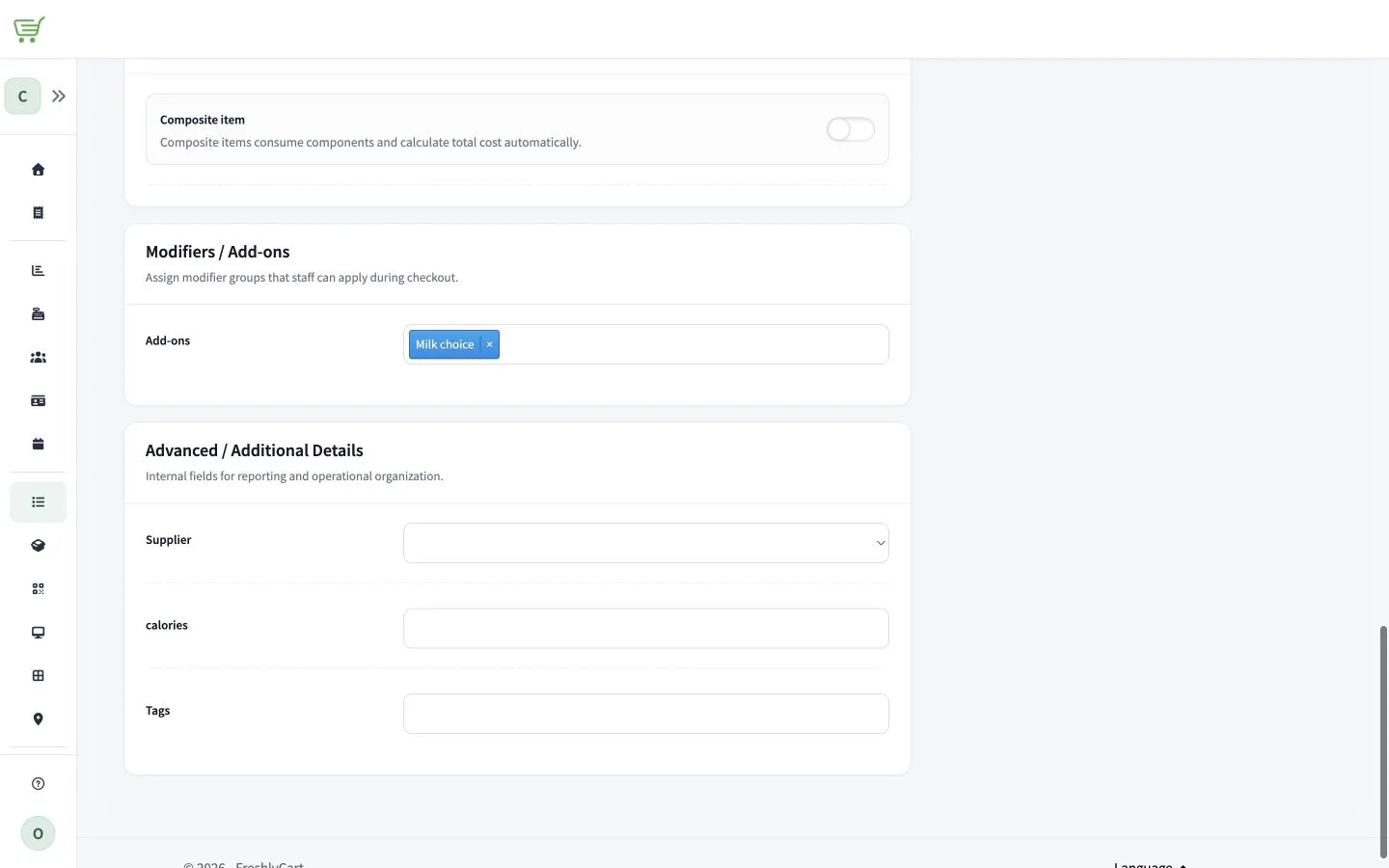
- Find Modifiers / Add-ons.
- In Add-ons, select each modifier group that should be available for the product.
- Select Save.
The assigned groups become selectable for the product in FreshlyCart POS after the catalog synchronizes.