
Create a modifier group
FreshlyCart uses modifiers for selectable product extras, such as toppings or add-ons. In the current Back Office interface, the navigation label is Add-ons even though the form uses modifier terminology.
Create the group
Section titled “Create the group”- In Back Office, go to Management → Menu → Add-ons.
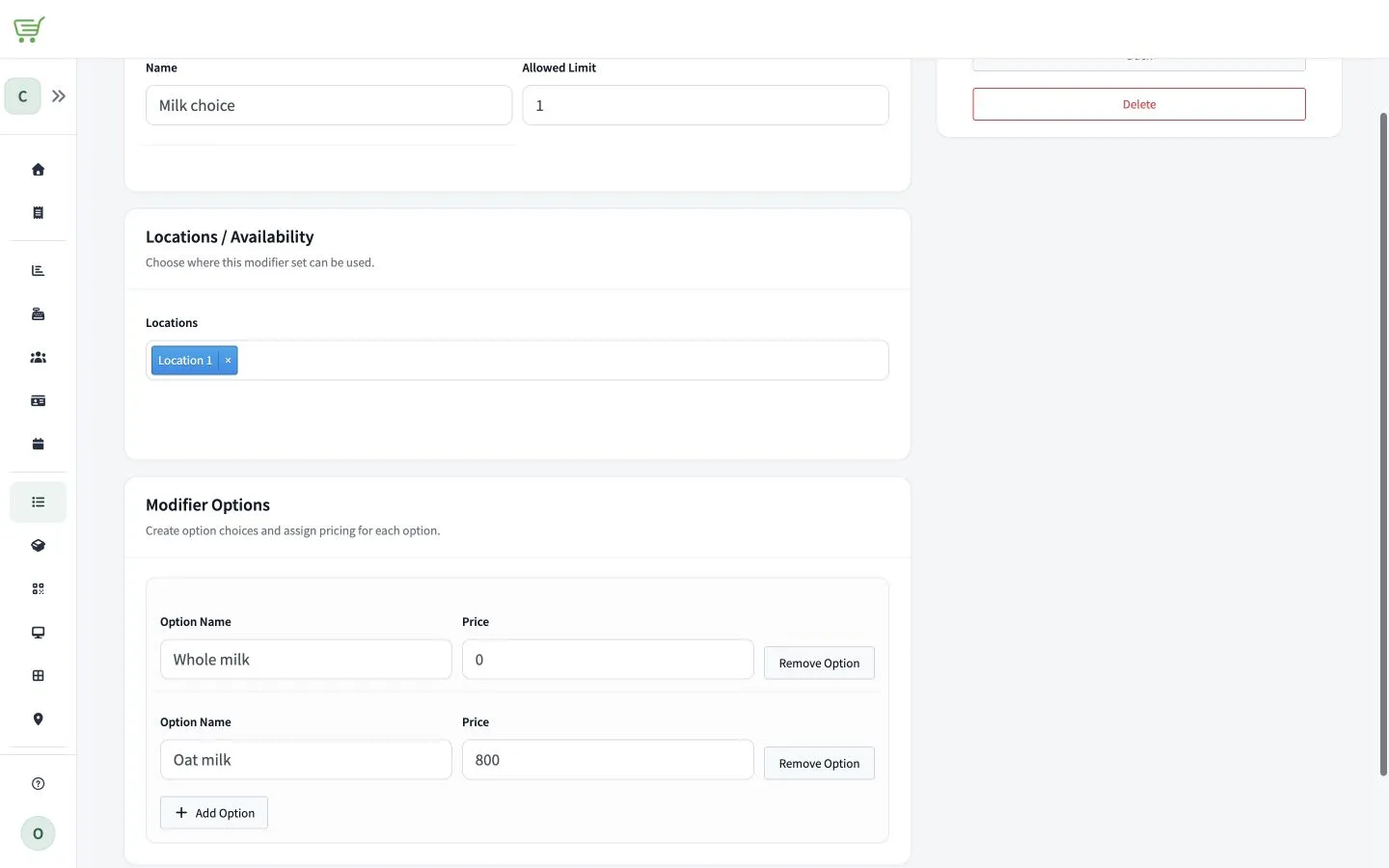
- Select the action to add an add-on. The form is titled Create new modifier.
- Enter the group Name.
- In Allowed Limit, enter the maximum number of options staff may select from this group.
- Under Locations / Availability, select the locations where the group is available.
- Under Modifier Options, select Add Option.
- Enter the option Name and Price.
- Repeat the previous two steps for each option in the group.
- Select Save.
Creating a group does not attach it to a product. Assign the modifier group from the product form before staff can select its options during a sale.